The whole process, step by step
From “I have an idea”
to “play my game!”
In two minutes.
Not an exaggeration. Not a best case. The average.
What your kid actually does
Six steps from blank canvas to published game. Every step is designed to teach something real.

Pick a Starting Point
Your child opens the Game Lab and sees a grid of starting templates. Each one is a proven game framework — not a finished product, but a foundation to build on. They tap the one that sparks their imagination.
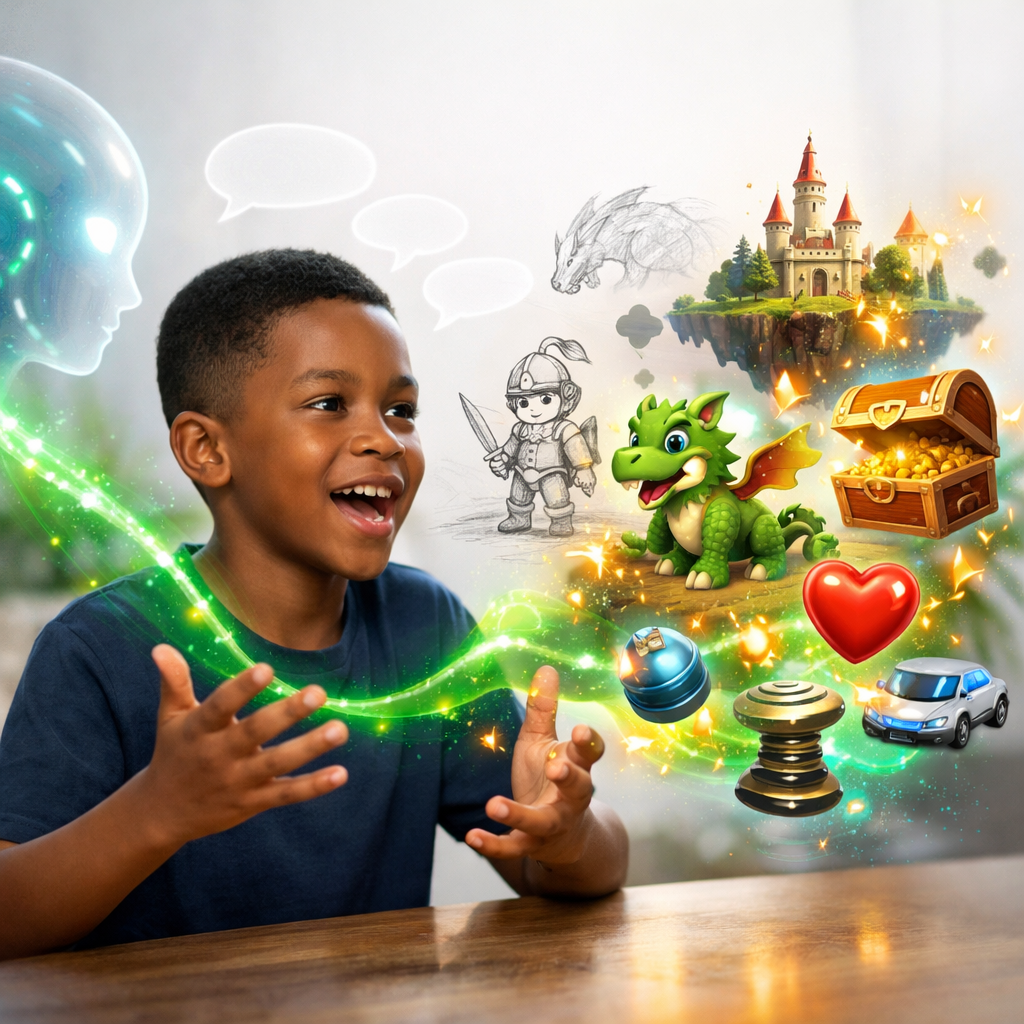
Describe What You Want
A chat interface appears next to their game preview. Your child tells the AI what they want in plain language — no code, no jargon. The AI understands intent and builds what they describe.
- Interprets natural language into game logic
- Generates art, sounds, and mechanics
- Explains what it built and why
- Asks clarifying questions when needed
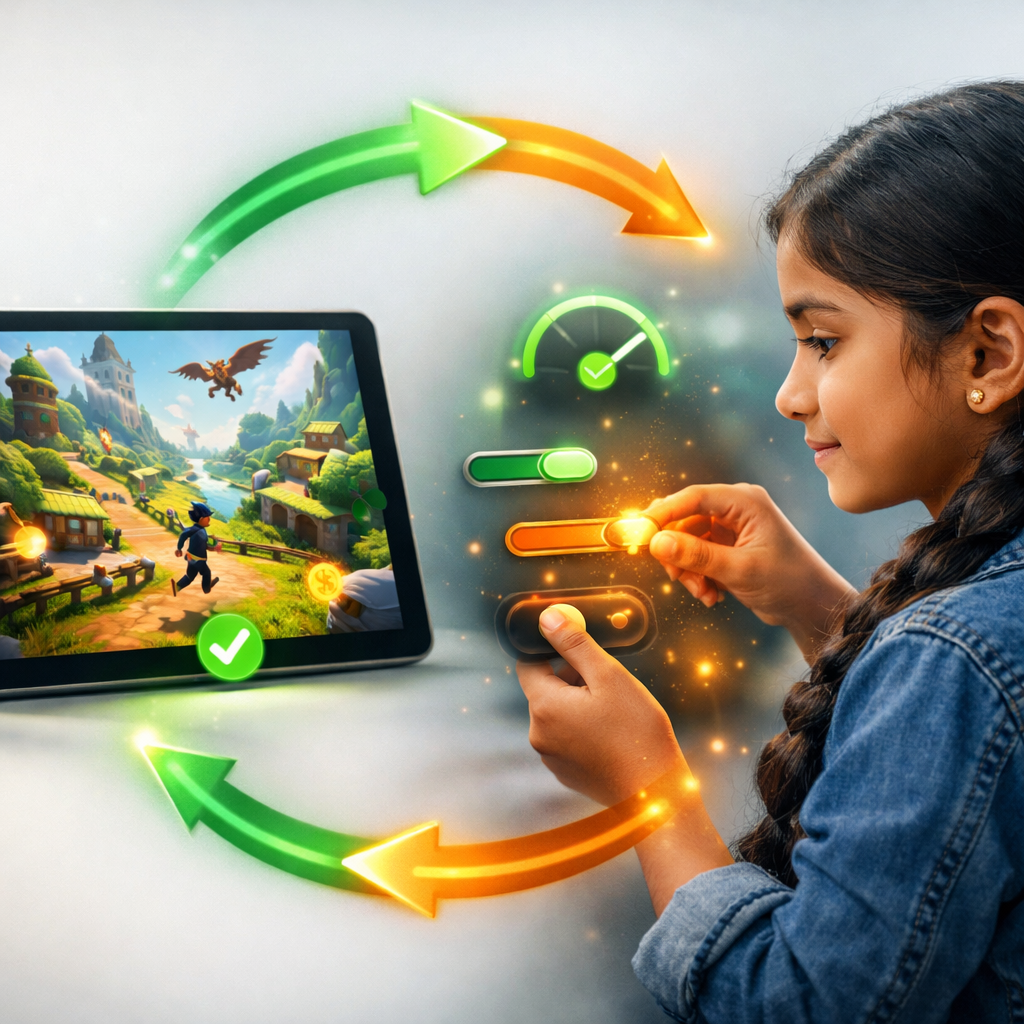
Test and Iterate
The game updates live in a split view — chat on one side, playable game on the other. Your child plays, notices something, and tells the AI to change it. Rinse and repeat.
- Changes appear instantly — no waiting, no loading screens
- Undo any change with a single message
- Compare before and after side by side
- Every version is saved automatically

Publish and Share
When it feels ready, your child hits Publish. That's it. The game is live on the internet with a real URL anyone can visit. They can share it with friends, family, or the whole school.
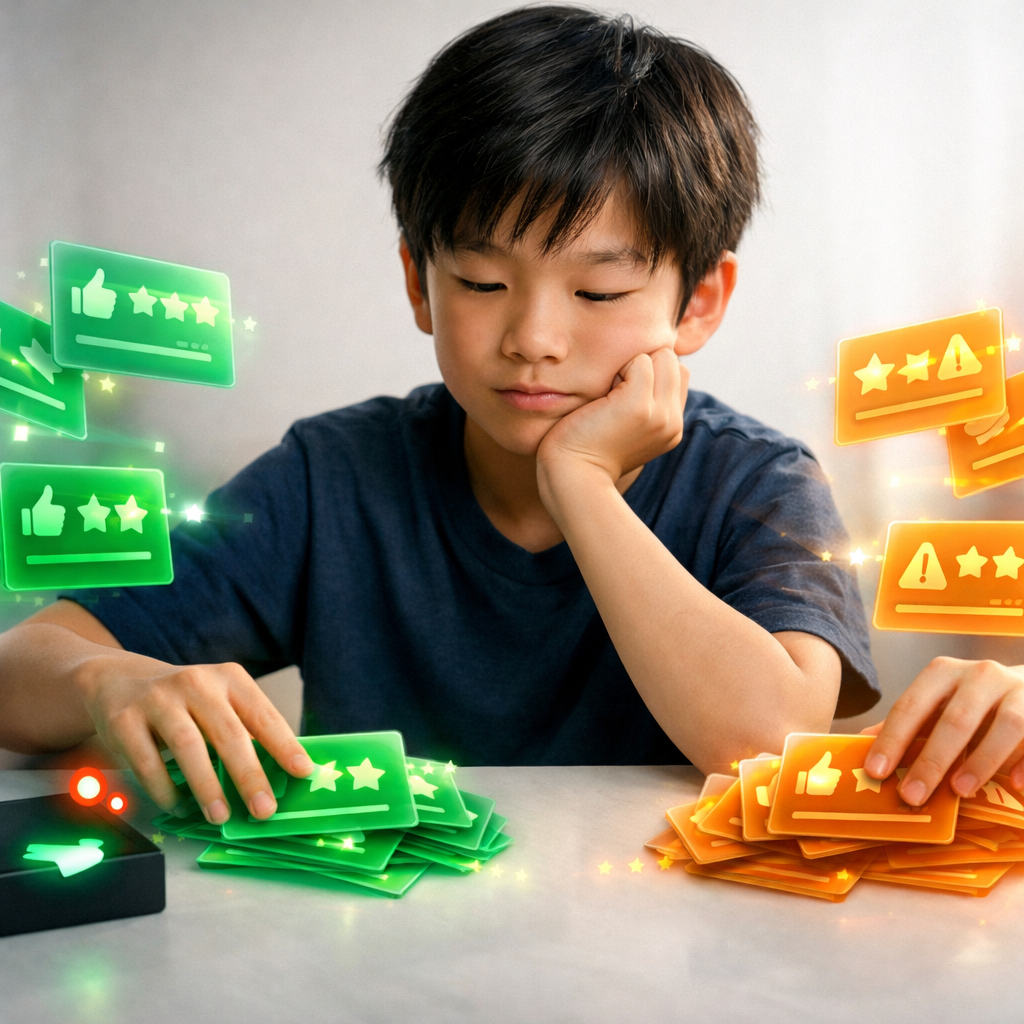
Get Feedback, Ship v2
Players leave feedback directly in the game. Your child sees bug reports, feature requests, and difficulty ratings in their inbox — then decides what to build next. Just like a real product team.
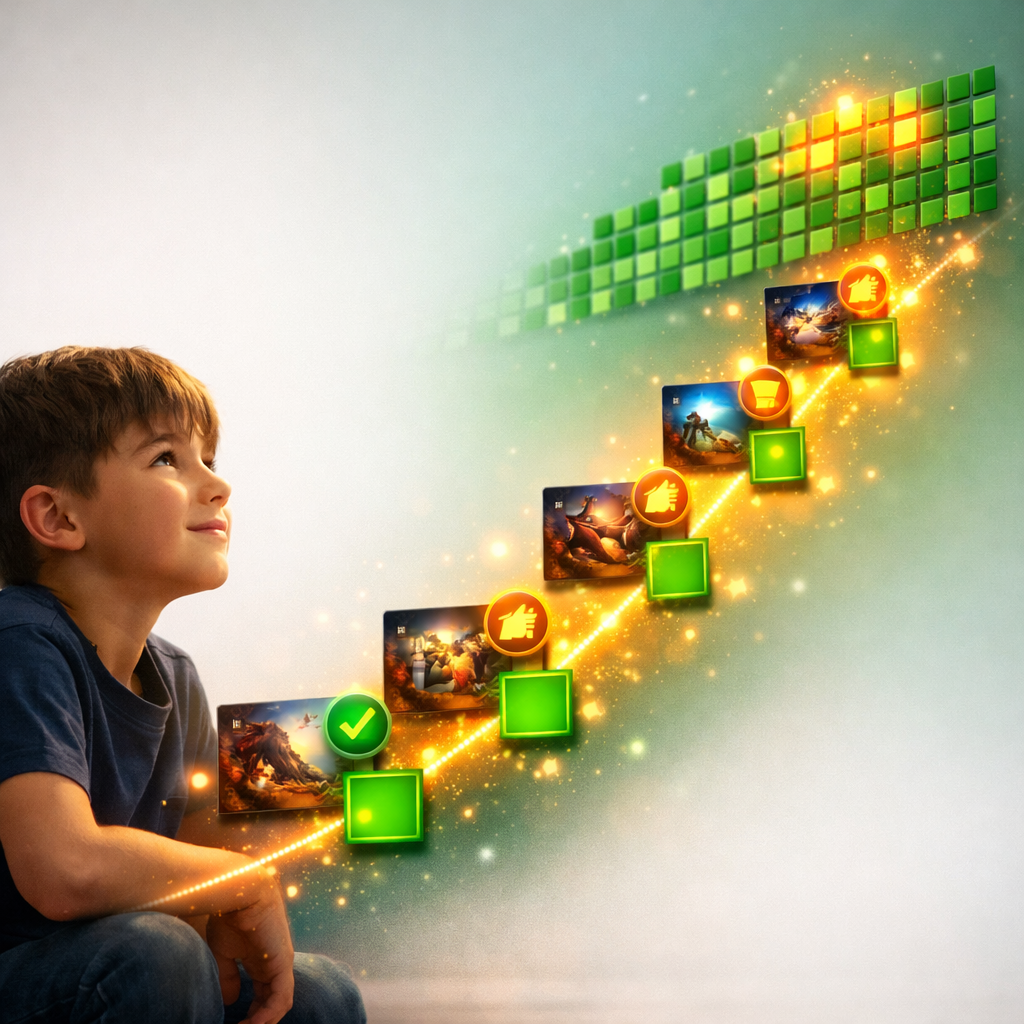
Build a Portfolio
Every game, every decision, every iteration is captured in the Ship Room — a living portfolio that grows with your child. It's proof of thinking, not just building.
Watch it happen in 60 seconds
One child. One idea. One minute. A real, published game.
Demo video coming soon
What happens at each moment
Child opens Game Lab
Selects Platformer template
Types "make the character a robot dog"
AI generates custom robot dog character
Adds "laser eyes power-up" via chat
Tests the game, finds the laser too weak
Says "make the laser bigger and add sound"
Plays again — perfect
Hits "Publish"
Shares link with a friend
Friend is already playing
For parents
Meanwhile, here’s what you see.
While your child builds, your Parent Dashboard gives you full visibility — without hovering. Every session, every conversation, every decision is there when you want it.
- Time spent building (not just screen time — creative time)
- Skills practiced: prompting, iteration, decision-making, design
- Full conversation history with the AI (every message, reviewable)
- Safety flags and content moderation log
- Games published, plays received, feedback collected
- Version-by-version breakdown of how their game evolved
Two minutes from now, they could have a game.
No downloads. No installation. No credit card. Just a kid with an idea and the tools to make it real.