The kids who learn AI now
will shape the future.
Yours can start today.
Kychai is the first AI apprenticeship for kids ages 8-14. They learn to think, decide, and create with AI by building real browser games they can share with anyone.
No credit card required. Free forever on Starter plan. Cancel anytime.

Right now, most kids are AI consumers.
They ask ChatGPT to write their essays. They use AI art generators to make memes. They're learning to outsource thinking, not to think better.
- Copy-paste AI outputs as their own work
- No understanding of how AI thinks
- Dependent on AI for answers
- No portfolio, no proof of skill
- Falling behind without knowing it
- Use AI as a tool to build real projects
- Understand what AI is good (and bad) at
- Make their own decisions, AI assists
- Portfolio of shipped, playable games
- Building skills that compound for life
Scratch teaches coding. Roblox teaches gaming. Coding camps teach syntax.
None of them teach kids to think with AI. Kychai does.
See what kids actually learnWhat They Learn
Your child's AI apprenticeship.
Three pillars that turn your child from an AI consumer into an AI creator.

AI Fluency
Your child learns when to use AI, when not to, and how to evaluate AI suggestions critically. Not just prompting, but genuine understanding.
In Practice
“The AI suggested adding power-ups, but I decided a timer would make my maze game more exciting.”
Proof
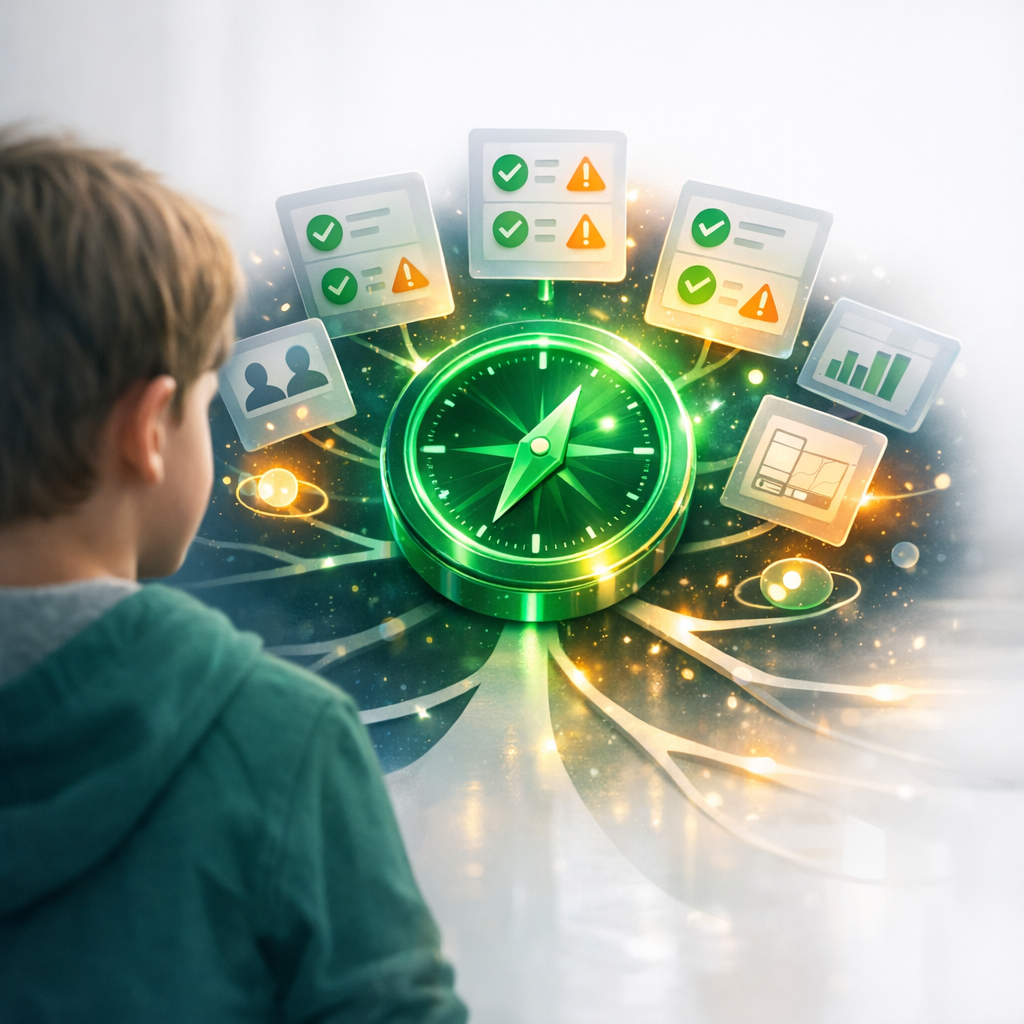
Every decision logged. Parents see exactly what their child chose and why.
Product Thinking
Kids learn to scope projects, weigh tradeoffs, and make decisions that consider their audience. Real product skills used at top tech companies.
In Practice
“I chose easier controls because my little sister is going to play it. She's only 5.”
Proof
Tradeoff decisions captured in portfolio. Shows thinking process, not just output.

Shipping Mindset
Every project gets published with a real URL. Kids learn that finishing and sharing is what separates creators from dreamers.
In Practice
“I sent the link to my grandma and she actually played my game! She got to level 3!”
Proof
Published games with play counts. Real audience, real feedback, real growth.
12,847
Games Published
48,293
Decisions Madeby kids — not by AI
4.9/5
from 5,200+ parents
2 min
To Their First Published Game
How It Works
From idea to published game.
Three steps.
Describe It
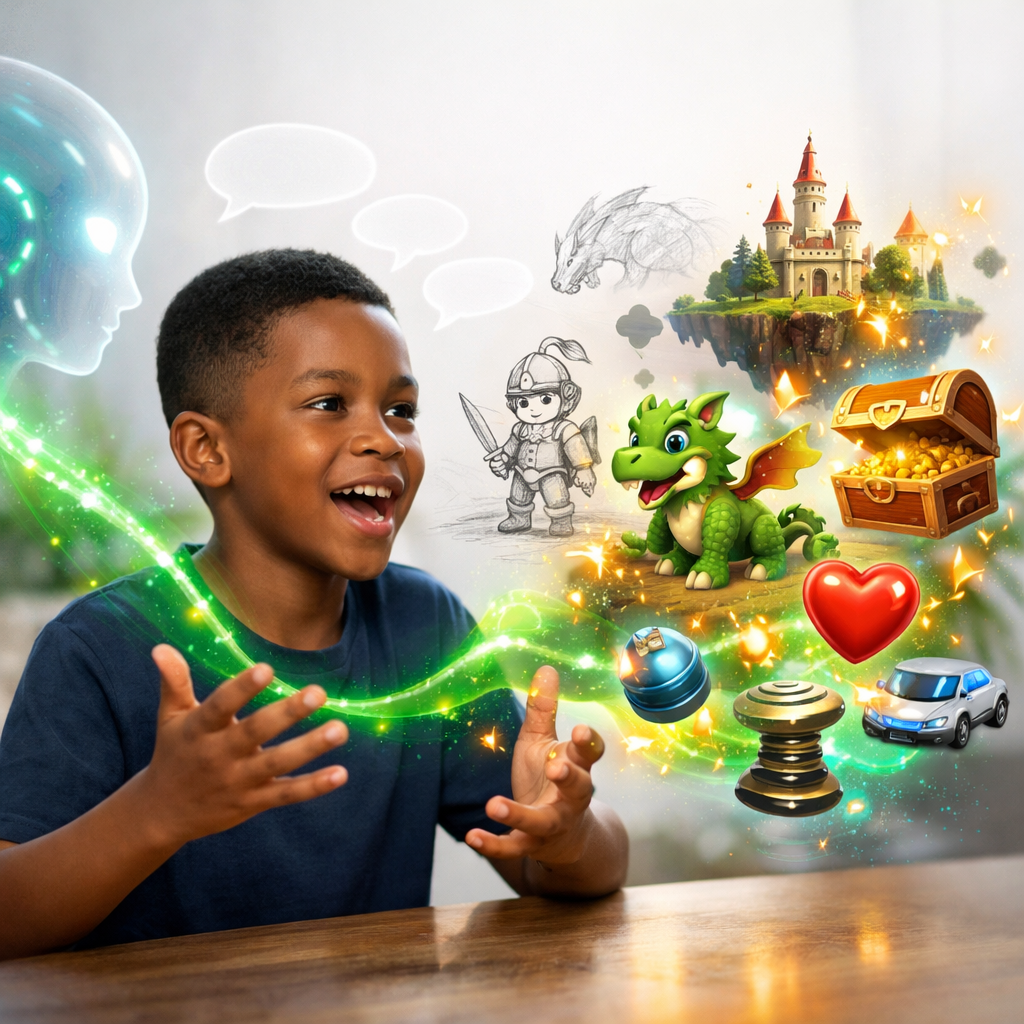
Your child describes the game they want to make in plain English. No coding, no templates. Just their imagination.
Decide and Build
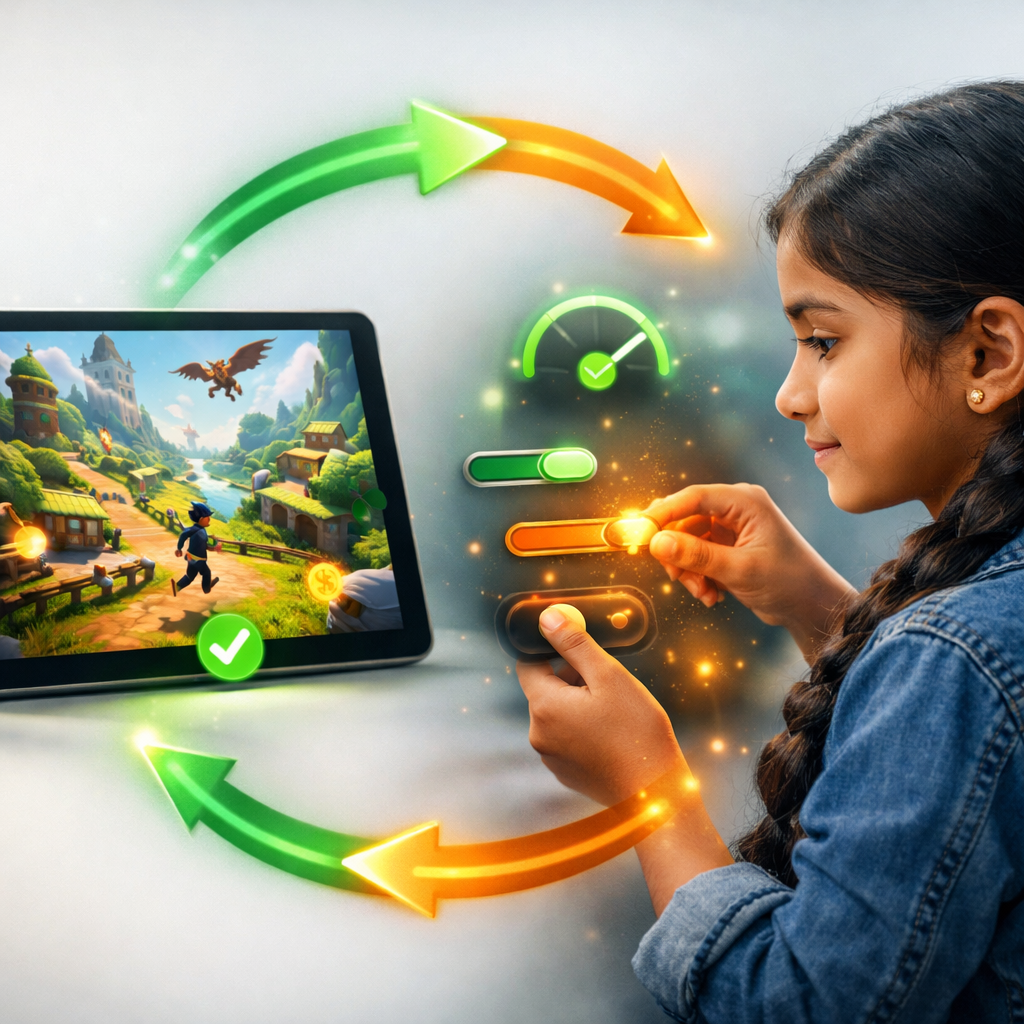
The AI assistant presents choices and tradeoffs. Your child makes every decision. Every choice is logged and visible to parents.

Publish and Grow
One click to publish. Real URL, real players. Track plays, get feedback, iterate. Every game goes into their portfolio.
The Portfolio
Imagine this on your child's college application.
Every game, every decision, every skill demonstrated — captured in a living portfolio that grows with your child. Not a certificate. Not a badge. Proof.
And she's eleven.
Emma's Portfolio
Age 11 · 14 games published · Member since 2025
Activity
Space Dodge
Asteroid dodging game with progressive difficulty, power-ups, and a high-score leaderboard.
Decision Log
“I chose to add a shield power-up instead of extra lives because I wanted players to feel brave, not careful.”
— Emma, on Space Dodge difficulty design
What Parents Say
Real families. Real results.
“I lead product at Stripe and I'm genuinely impressed. My son is learning the same decision frameworks we use at work — scoping, tradeoffs, user empathy. He's 10. This is the most valuable screen time he's ever had.”

David L.
Product Director at Stripe
“I was worried it would be another app where AI does everything. It's the opposite. My daughter explains her decisions at dinner now. She told me she chose simpler graphics so the game would load faster on her friend's old phone. She's NINE.”

Sarah M.
Parent of two, Portland
“I made 6 games already and my favorite one has 300+ plays. The AI doesn't just do stuff for you — it asks you questions and makes you think about what's actually good for your game. It's like having a really smart friend who helps.”

Jake, 12
Kychai creator, 6 games published
“Wait — does the AI just
make the game for them?”
Great question. Here's what an actual Kychai session looks like.

Kychai AI Assistant
EMMA
I want to make my maze game harder
AI ASSISTANT
Great idea! There are a few ways to do that. Each has a tradeoff:
Add a timer
Creates urgency but might frustrate younger players
Add moving walls
More exciting but makes levels take longer to design
Reduce player lives
Simple to add but players might quit sooner
Which feels right for your game? Think about who's going to play it.
EMMA
Timer! My friends like fast games and it'll make them want to beat each other's times
Decision Logged
Emma chose timer mechanic over moving walls and reduced lives.
Reasoning: Audience preference (friends who like fast games), social competition element.
The AI is the instrument. Your child is the composer.
They'll beg to use it.
You'll feel great saying yes.
- Make real games they can show off to friends
- See their games go live with a real URL
- Get play counts and reactions from real people
- Feel like a real game developer
- Creative freedom — any game they can imagine
- No boring tutorials or worksheets
- Screen time that actually builds real skills
- See every decision your child makes (decision log)
- Growing portfolio proves learning over time
- AI fluency skills for the future job market
- Safe, COPPA-compliant, no strangers
- No guilt — this is genuinely educational
Why Kychai
Not another coding app.
We're building something fundamentally different.
| Feature | Kychai | Scratch | Roblox | Coding Camp |
|---|---|---|---|---|
| AI fluency skills | ~ | |||
| Ship real products | ~ | ~ | ||
| Decision-making skills | ||||
| Portfolio with proof | ~ | |||
| No coding required | ||||
| Parent visibility | ~ | ~ | ~ | |
| Safe (no strangers) | ~ | |||
| Under $20/month |
Safety First
Built for parents who actually
read the fine print.
No Strangers
No chat rooms, no social features, no contact with other users. Your child creates in a private, safe environment.
COPPA Compliant
Fully compliant with children's online privacy regulations. Data minimization, parental consent, and transparent practices.
Full Parent Visibility
See every AI interaction, every decision your child makes, and every game they publish. Complete transparency.
Your Rules
Set time limits, approve publishing, control AI interactions. You decide what's right for your family.
Pricing
Start free. Upgrade when they're hooked.
Starter
Forever. No catch.
- 3 published games
- AI assistant (basic)
- Portfolio page
- Parent dashboard
- Community gallery
Family
Billed monthly. Cancel anytime.
- Unlimited published games
- AI assistant (advanced)
- Full portfolio with decision log
- Advanced parent dashboard
- Priority support
- Up to 3 child profiles
- Custom game themes

The best time to start
was yesterday.
The second best time is right now.
Give your child the AI skills that will define their generation. It takes 2 minutes. It's free. And they'll have their first game published before bedtime.
No credit card required. Free forever on Starter plan. Cancel anytime. COPPA compliant.